What Is a UPC Code?
A UPC (Universal Product Code) is a unique identifier that acts as the "digital fingerprint" of your music release. This code allows your single, EP, or album to be distinguished from millions of other releases available on digital platforms.
When you distribute music to stores such as Spotify, Apple Music, or YouTube Music, the UPC helps identify your release correctly and keeps all its information organized.
Why Is It Important?
Every release needs a unique identifier so that platforms can recognize, process, and manage it correctly.
Thanks to the UPC, digital stores can:
-
Identify your release uniquely.
-
Organize your music information.
-
Manage reports and royalties.
-
Maintain the continuity of your music catalog.
🚀 SUBSCRIBE NOW AND BOOST YOUR MUSIC CAREER — IT'S FREE.
What Is a UPC Code Used For?
The UPC allows digital platforms and distributors to recognize your release as a unique product within their systems.
Without this identifier, it would be much more difficult to properly manage distribution, track performance, and administer royalties.
Main Functions of a UPC
- Identifies Your Release
Distinguishes your single, EP, or album from any other content available on digital platforms.
- Facilitates Distribution
Digital stores use the UPC to register and catalog each release correctly.
- Organizes Statistics and Reports
Helps associate streams, downloads, and performance metrics with the correct release.
- Manages Royalties
Allows payment and reporting systems to correctly identify the content generating revenue.
- Maintains Catalog Continuity
Makes it easier to update releases without losing their historical data and performance records.
UPC vs. ISRC: What's the Difference?
These codes are often confused, but they serve different purposes:
-
UPC: Identifies the complete release (single, EP, or album).
-
ISRC: Identifies each individual recording or track.
Example: An album may have 1 UPC code and 10 ISRC codes, one for each song included in the release.
Where Can You Find Your UPC Code in Indiefy?
Once you've created your first release in Indiefy, finding your UPC code is very simple. Just follow these steps:
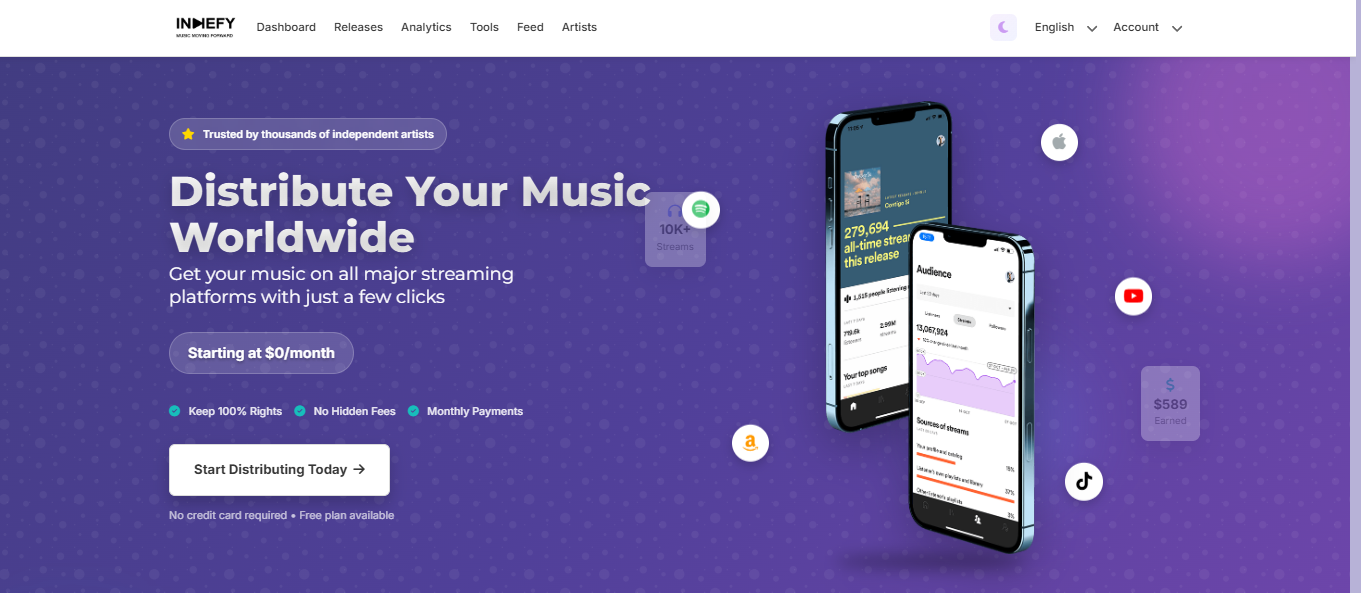
Step 1️⃣: Log In to Your Indiefy Account
Access your account at Indiefy.net using your email address and password.
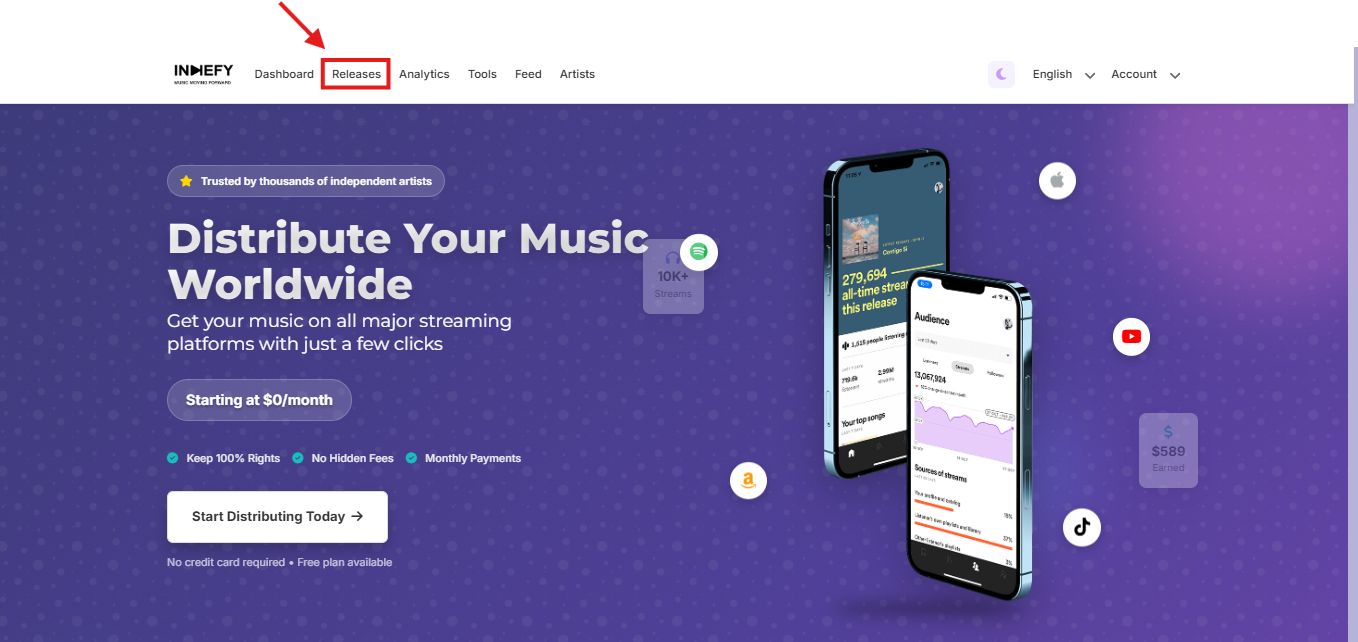
Step 2️⃣: Go to the "Releases" Section
From your artist dashboard, select the Releases section to view all the singles, EPs, and albums you have distributed.
🚀 SUBSCRIBE NOW AND BOOST YOUR MUSIC CAREER — IT'S FREE.
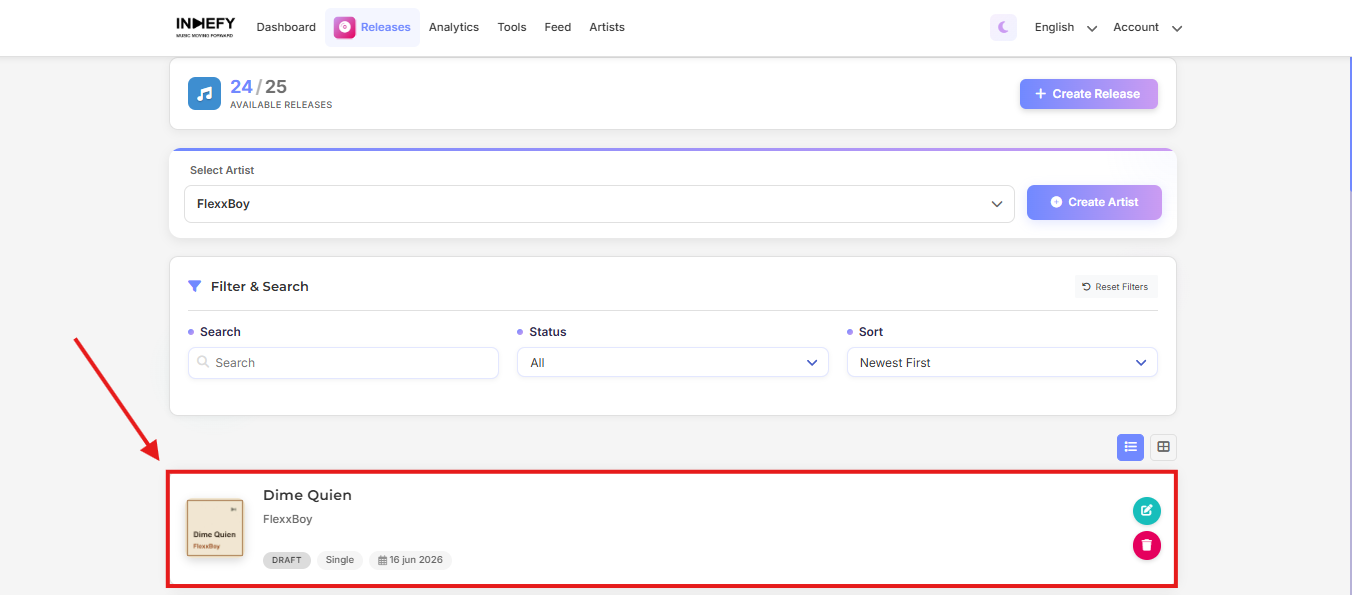
Step 3️⃣: Select Your Release
Click on the release you want to review.
Step 4️⃣: Open the Release Summary
Inside the release page, you will find the Release Summary section. There, you can view important information about your distribution, including your UPC code.
The UPC code is generated to identify your release across digital platforms and may be required for distribution management, support requests, or catalog administration.

🚀 SUBSCRIBE TO PRO — TAKE YOUR MUSIC CAREER TO THE NEXT LEVEL