We understand that sometimes circumstances change and it’s not possible to keep your PRO subscription. Before canceling, please consider what you’ll lose — these are exclusive tools that help you take your independent music career to a professional level:
-
Upload of multi-track albums and EPs
-
Priority release scheduling
-
Advanced analytics and real-time insights
-
Instant royalty tracking
-
Pre-save campaigns and personalized strategies
-
Distribution to exclusive stores: Instagram/Facebook, TikTok, YouTube, SoundCloud, and Apple Music
-
YouTube channel verification + direct link with Instagram
*Recommendation: Many artists recover their *PRO investment with just one successful release. If you can, keep it active!
🚀Subscribe now and boost your music — it’s free.
Steps to Cancel
If you decide to proceed, cancellation is immediate. Follow these steps:
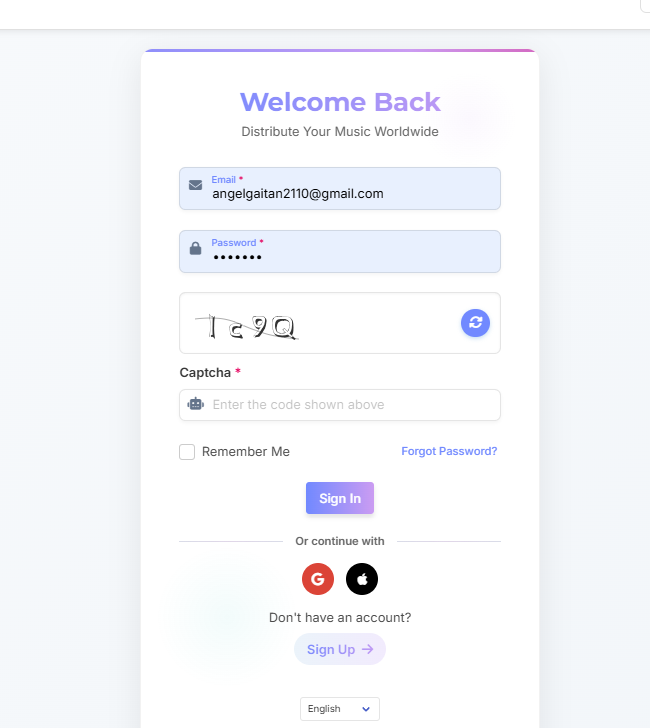
1. Go to indiefy.net and log in
😎 Indiefy
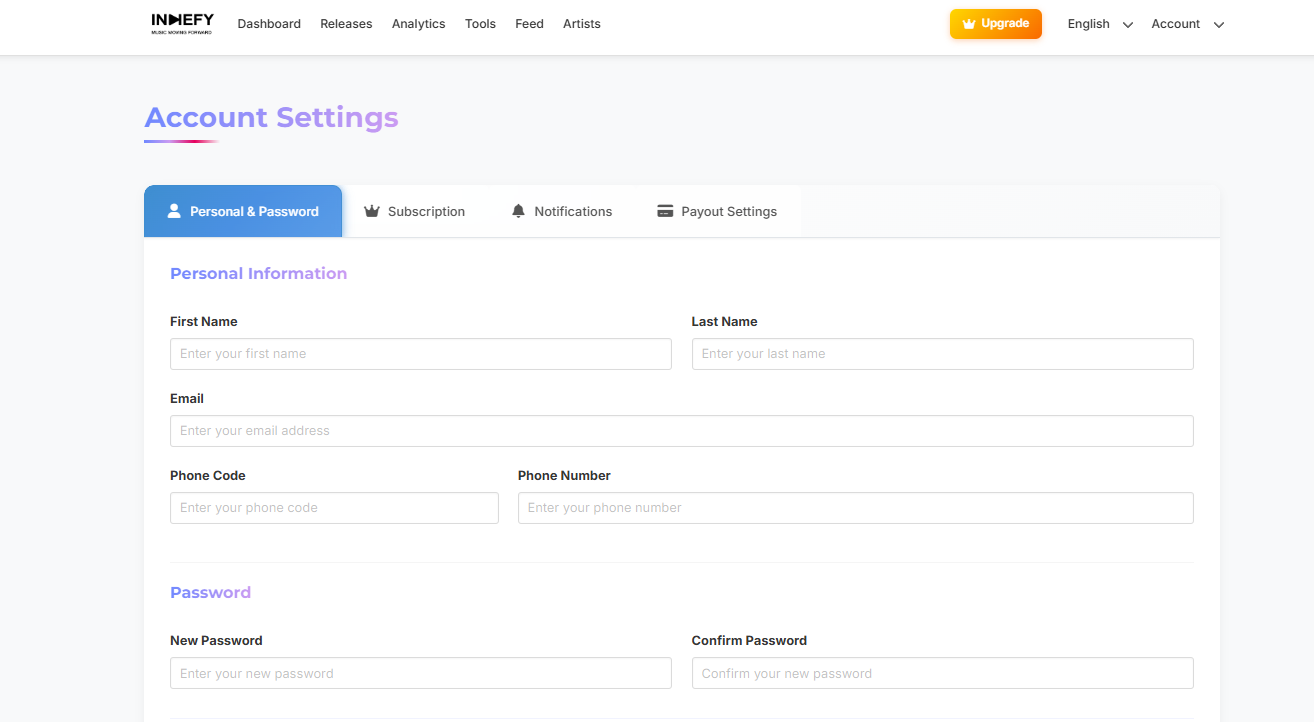
2. Click on “Account” > “Settings”
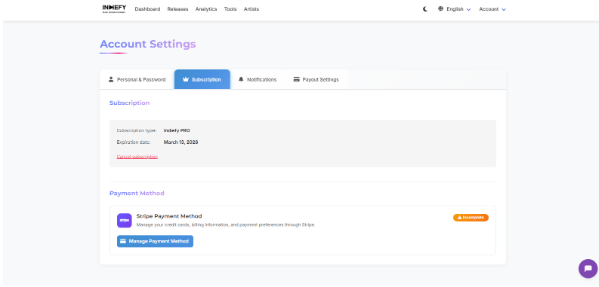
3. Select the “Subscription” tab.
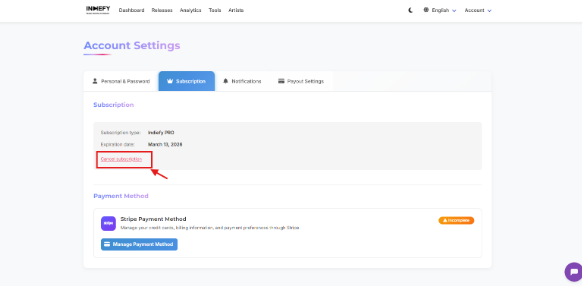
4. Click the “Cancel Subscription” button and confirm.
Important
-
Your music will not be removed from Spotify, Deezer, Amazon Music, etc.
-
It will be removed from PRO-exclusive stores (Instagram, TikTok, YouTube, etc.).
-
You can reactivate your PRO subscription anytime.
%20(2).jpg)