YouTube offers Official Artist Channels (like on Instagram or Spotify). Verification shows your channel is real and unlocks extra music promotion features.
Benefits of an Official Artist Channel
By obtaining this verification, you will enjoy:
✅ Auto-organized discography: All your releases appear in a “Releases” section on your Official Artist Channel (replacing your Topic channel). You can move, delete, group, or re-add these sections according to your preferences.
✅ Featured promotional content: You can select a main video to highlight on your channel.
✅ Fan interaction: A verified channel strengthens your presence on YouTube, allowing you to connect directly with your audience.
🚀Subscribe now and boost your music — it’s free.
Requirements to Obtain an Official Artist Channel
To access this verification, you must meet the following criteria:
✔ Have a YouTube channel representing an artist or band.
✔ Have at least three official releases distributed on YouTube through Indiefy.
✔ Have no policy violations on your YouTube channel.
Reasons Your Request May Be Rejected
Before applying for verification, avoid these common mistakes:
❌ Name inconsistencies: Your YouTube channel name must exactly match your official artist name.
❌ Non-music content: Your channel must be dedicated exclusively to your music project.
Verification Process via Indiefy
-
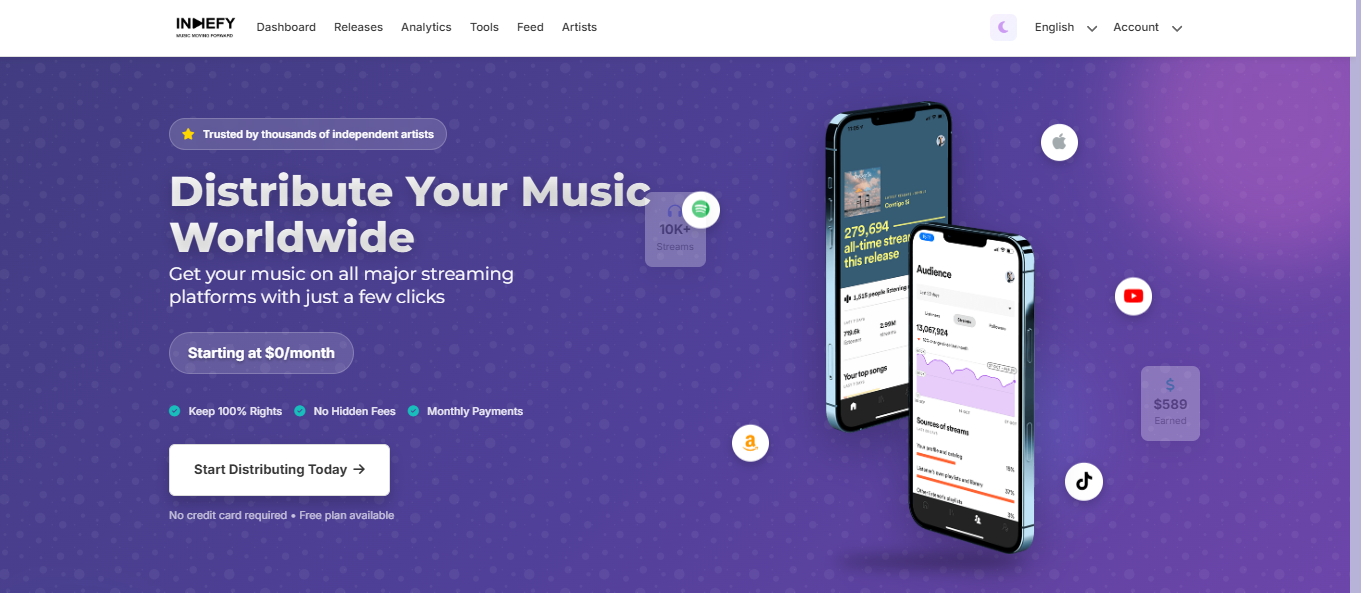
Log in to your Indiefy account.
-
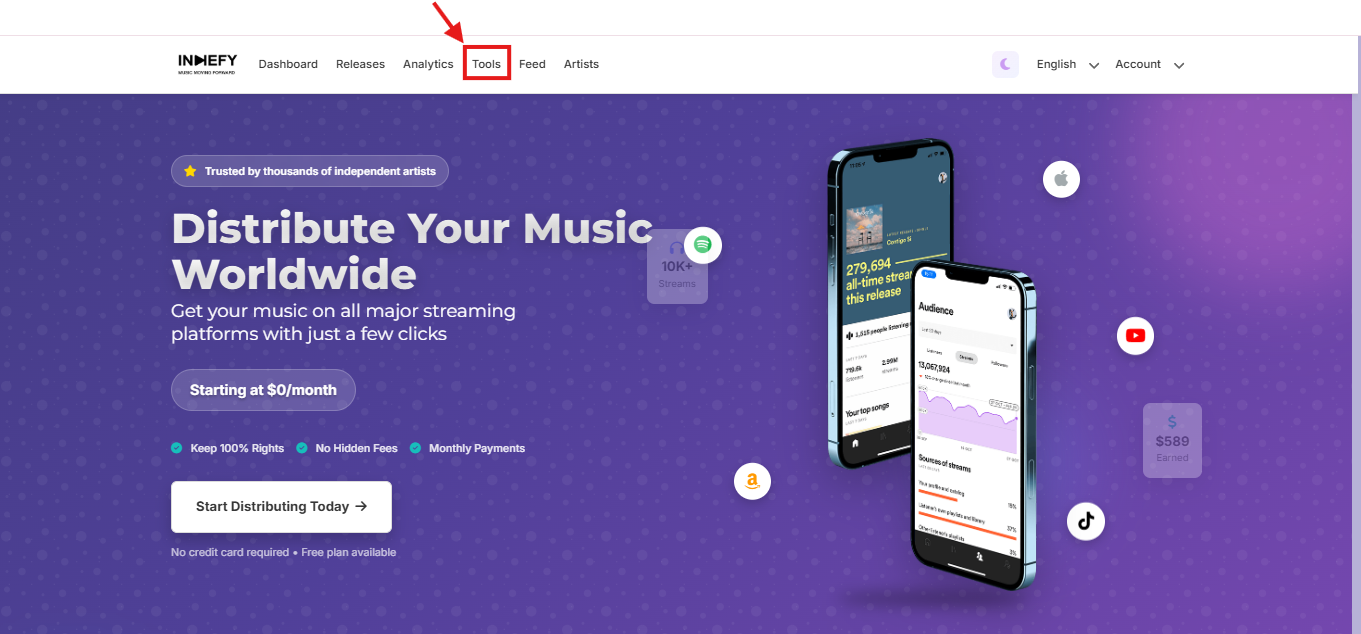
Go to Tools.
-
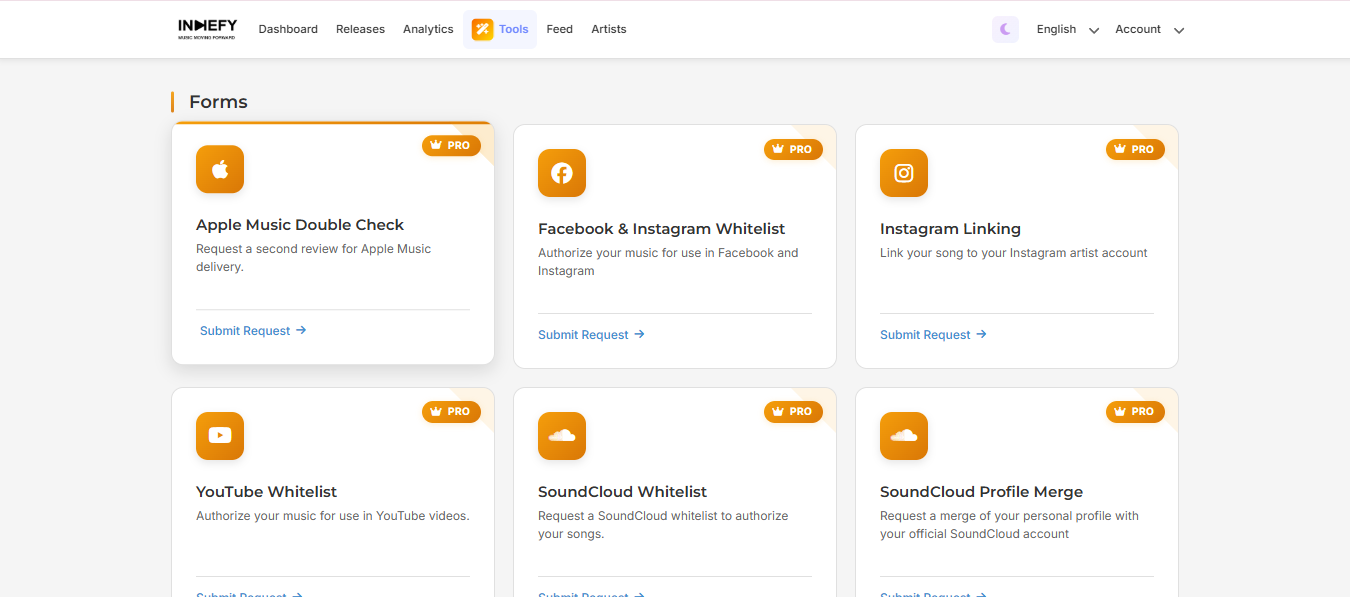
Access Forms.
-
Find the form titled “YouTube Official Artist Channel Verification.”
-
Complete the form with the required information, including your YouTube channel ID.
-
Submit the request and wait for YouTube’s confirmation.
⏳ Estimated approval time: 1 to 3 months. Please be patient while YouTube reviews your application.
Important: This service is available exclusively for PRO artists. If you have a Basic subscription, you will need to upgrade your account to access this option.
For more information on how to find your YouTube channel ID, check this article: How to find your channel ID
%20(2).jpg)